iPhone / iPad · iOS 17.0+
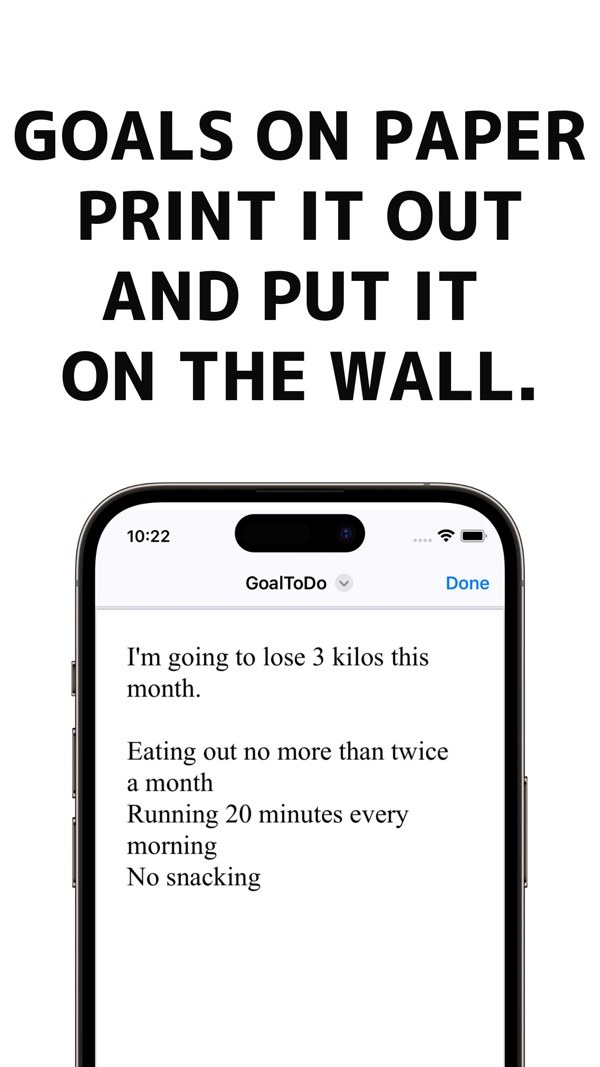
Print your goals on paperPrint your goals, achieve them
Simple and easy for everyone! An application that allows you to print your goals.
Download on the App StoreFree (with ads)
What it does
- 01
How to use
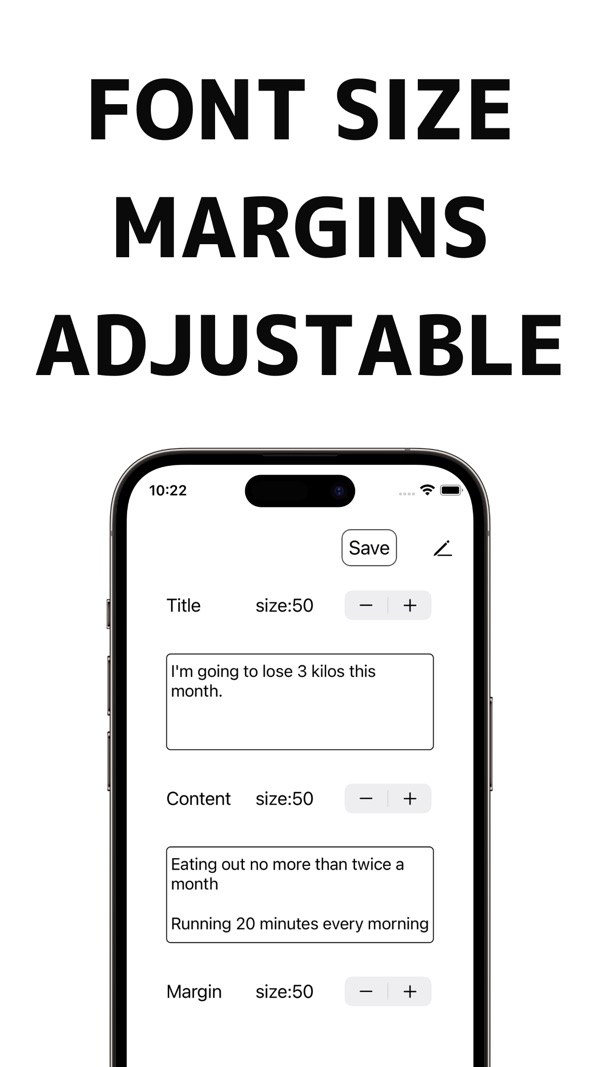
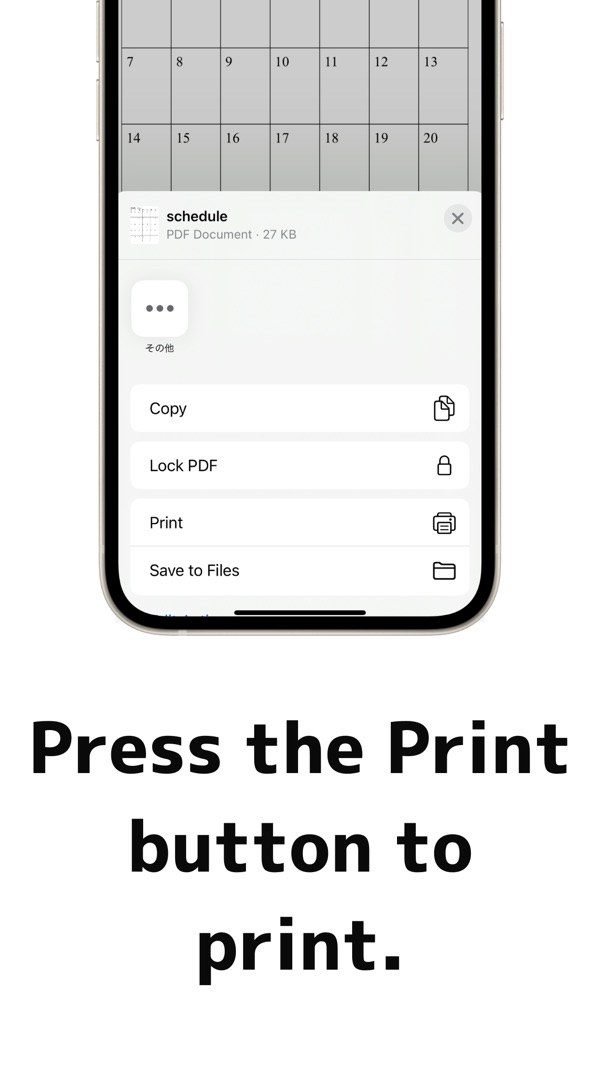
1. Enter text in the "Title" and "Contents" fields. / 2. Set the font and margin size. / 3. Push the print preview button. / 4. Press the lower left mark. / 5. Press the "Print" button.
- 02
GoalToPrint Premium
8 templates: unlock Business, Notebook, Motivation, Cornell, Frame, Bold / 5 color themes: unlock Ocean, Forest, Warm, Mono / More paper sizes: A3, Letter, Legal,
Screens